Fire TV with Vega OS
Use the Vega .vpkg package. Sideloading requires a computer, Amazon’s Vega developer tools and Developer Mode on the Fire TV.
 Back to KhodiTech ↗
KHODI TV · COLORFUL 10B
Your Khodi channels, movies and series. Designed for the Fire TV remote, with genre and year filters, naturally sorted titles and an easy return to your library.
Version 1.0.0 · Build 19
Vega OS 2.0 · Fire TV device package (.vpkg) · ARMv7
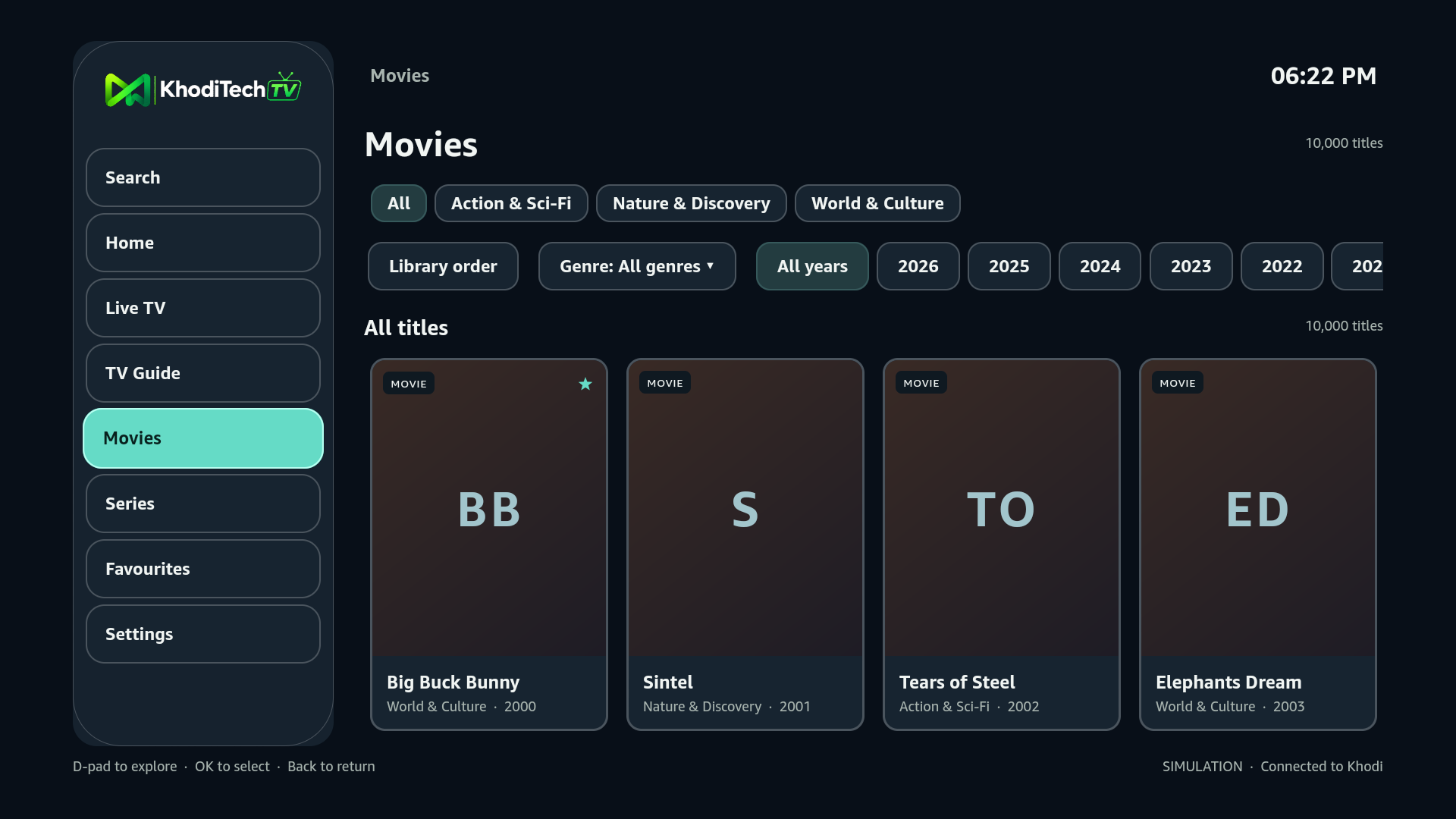
Check Settings → My Fire TV → About on your device before downloading.
Use the Vega .vpkg package. Sideloading requires a computer, Amazon’s Vega developer tools and Developer Mode on the Fire TV.
Use the Android app for devices running Android or Fire OS.
Open Android downloads ↗INSTALLATION
Follow Amazon’s Fire TV setup guide ↗ to install the Vega SDK on a supported computer, enable Developer Mode and connect your device.
Save the .vpkg file to your computer. A browser download by itself does not install the app on your Fire TV.
For an authorised remote installation, Khodi support uses a computer connected to your stick by the local network or USB. The device serial selects that reachable stick; it is not an internet address.
With the Vega SDK, Python 3 and curl installed on that computer, download and run our installer. Replace CLIENT_SERIAL with the serial shown by vega device list.
curl --fail --show-error --location --proto '=https' --tlsv1.2 \
  https://www.khoditechsolutions.ca/vega/install-khodi-vega.sh \
  --output install-khodi-vega.sh
bash install-khodi-vega.sh "CLIENT_SERIAL"
The installer checks the platform, Developer Mode, package checksum and installed build before launching Khodi. To launch an installed copy again:
vega device launch-app --device "CLIENT_SERIAL" --appName "tv.khodi.vega.main"Open Khodi TV and use the pairing code shown on screen. Your assigned channels and titles appear after activation. Active Khodi access and an assigned library are required. No separate client account is needed.
Confirm that your Fire TV runs Vega OS, Developer Mode is enabled, and the computer can see it with vega device list. This device package is ARMv7. The simulator package is separate.
Choose “Try again” in the player. If it still fails, check your connection and ask Khodi support to verify the assigned stream. Progressive media needs an HTTPS address on the tested Vega platform.
The app connects through device pairing to your assigned library. It does not bundle customer credentials, live channels or a subscription.
Amazon Appstore distribution is planned after device validation and submission. No approval or release date is promised here.
Testing on your Fire Stick? Tell us your device model, app build, what you tried and what happened. Please include whether picture, sound, seeking and the remote worked as expected.
Send client feedback ↗Please keep passwords, pairing secrets and provider account details out of your feedback.
Version 1.0.0 · Colorful 10B · Build 19
GPL-3.0 application. Third-party components retain their own licences.